10 Essential llms.txt Best Practices for 2026 (Rank Before Your Competitors Do)
A technical deep-dive into the 10 most important llms.txt best practices for 2026 — validated against real AI crawler behavior and immediately actionable for US and European audiences.
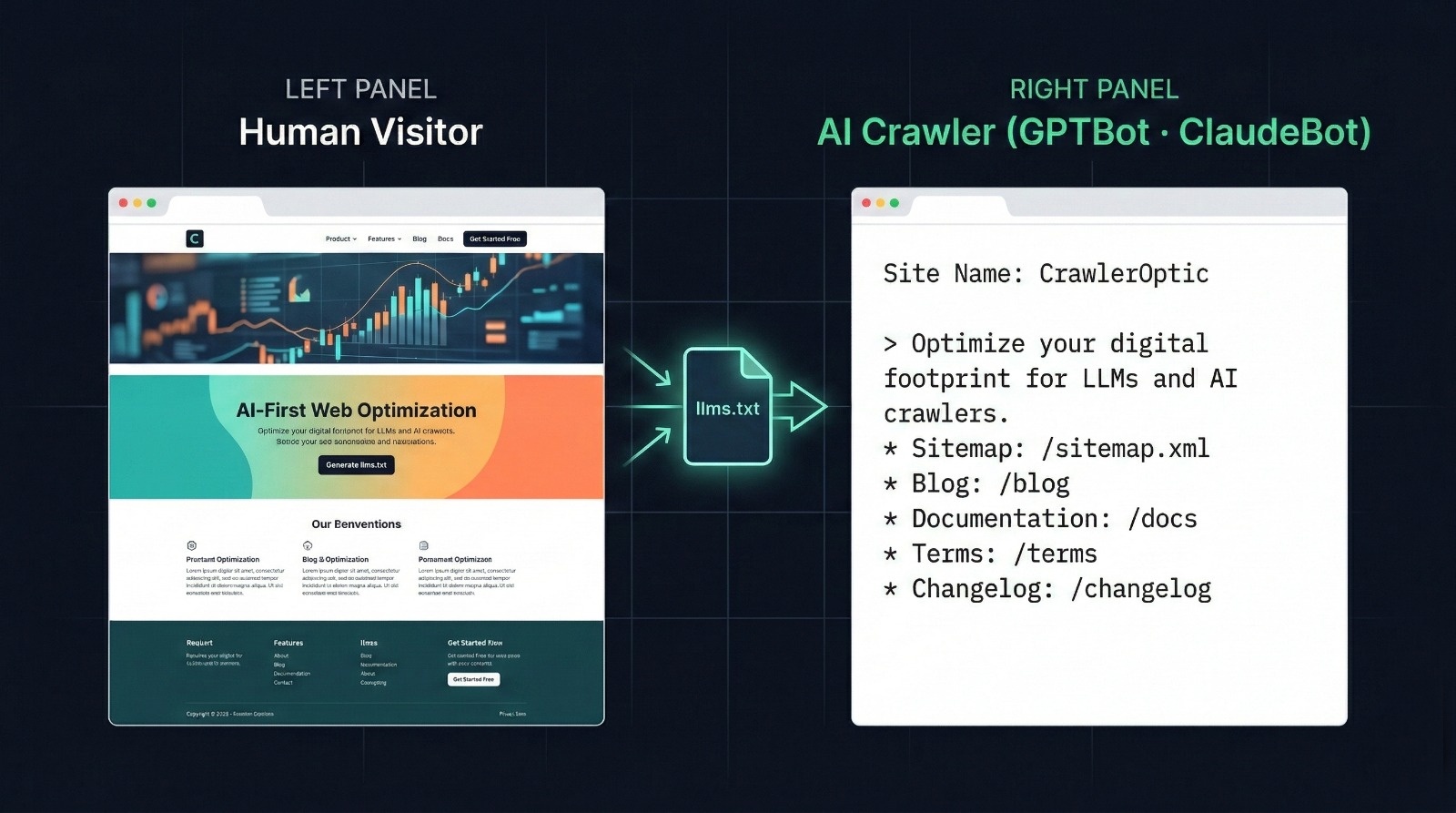
The web has two audiences now. Humans and AI crawlers — and they read your site very differently.
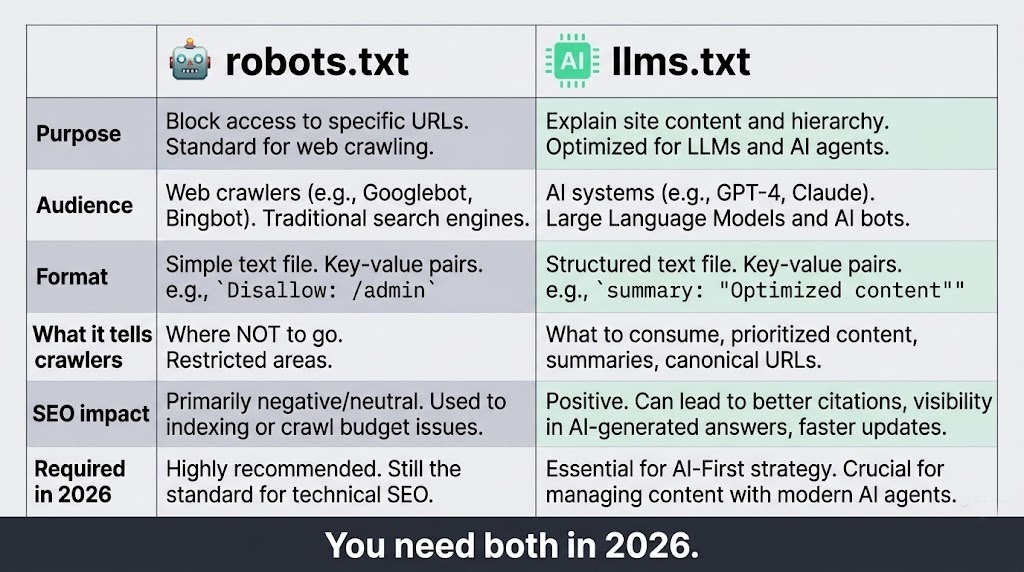
For two decades, robots.txt was the gatekeeper. It told crawlers what to index and what to leave alone. That worked fine when "crawlers" meant Googlebot. But in 2026, your site is being read by GPTBot (OpenAI), ClaudeBot (Anthropic), Google-Extended (Gemini), PerplexityBot, and a dozen others — all trying to understand what your site is about so they can reference it in AI-generated answers.
robots.txt tells crawlers where not to go. llms.txt tells them what to understand.
That's the shift. And if you haven't optimized for it yet, your competitors are already eating your AI-search traffic.
Why llms.txt Compliance Matters — Especially in the US and Europe
In the United States, the FTC is increasingly scrutinizing AI companies on accuracy and source attribution. AI tools that misrepresent a company's product — because they had no structured data to reference — create real legal exposure.
In France and the broader EU, the AI Act (effective August 2026 for high-risk applications) mandates that AI systems used in commercial contexts must be able to demonstrate their knowledge sources. Companies with structured llms.txt files are better positioned to have their content accurately represented — and accurately attributed.
For US SaaS companies: if ChatGPT or Gemini describes your product incorrectly to a prospective customer, that's a conversion you lost because your crawl data wasn't structured.
llms.txt is how you take control of both.
Best Practice #1: Lead With a Machine-Readable Site Description
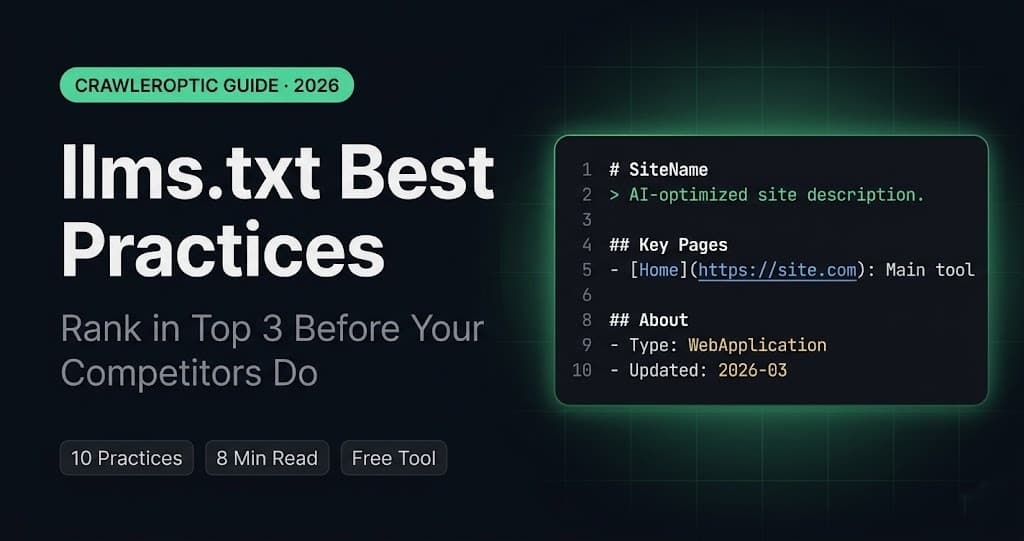
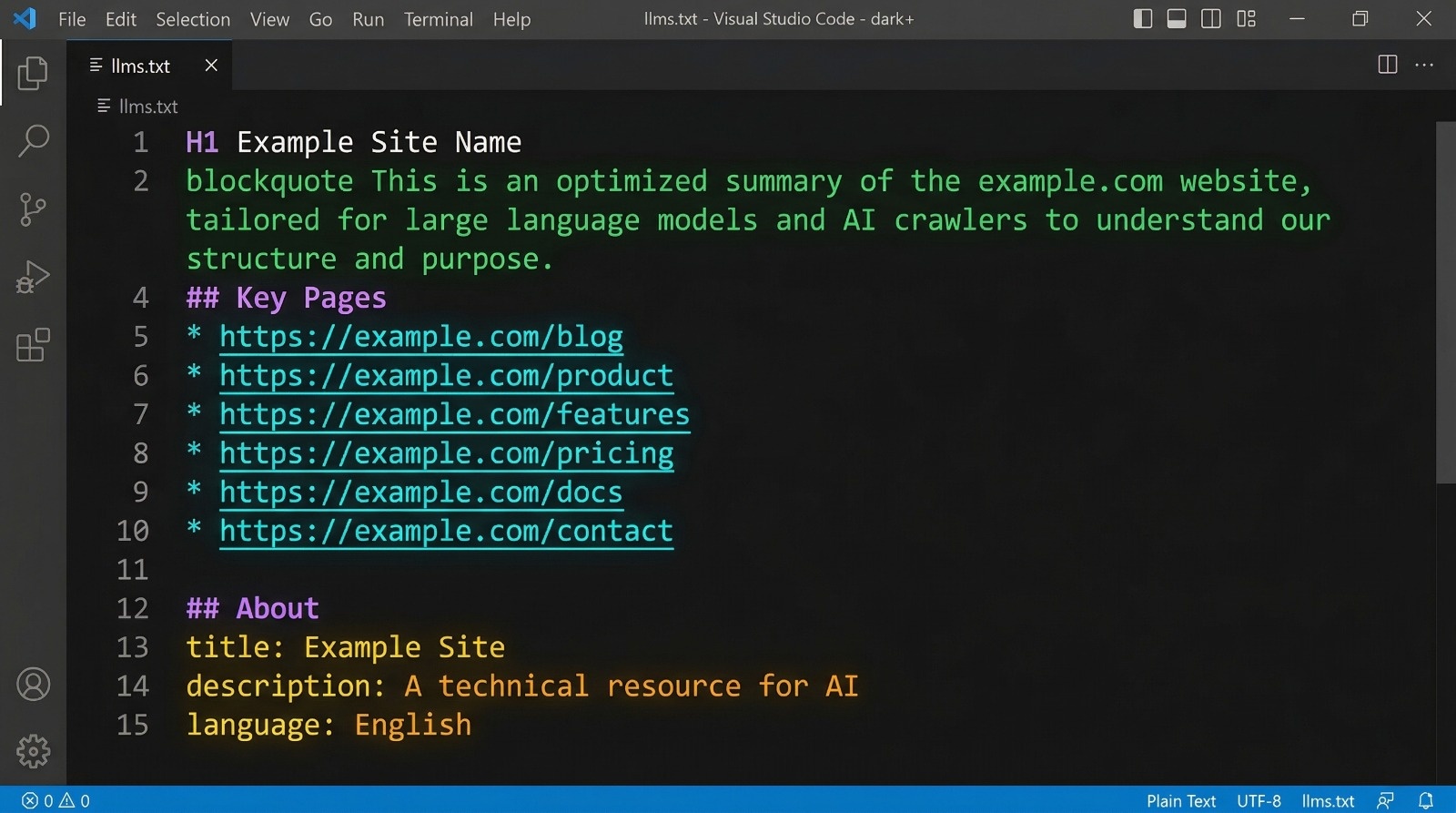
The very first non-comment line in your llms.txt should be a blockquote (>) containing your site's core description. This is the single line that AI systems extract as your site's "elevator pitch."
# CrawlerOptic

> Free llms.txt generator that helps websites become visible to AI crawlers like GPTBot, ClaudeBot, and Google-Extended. No account required.
Why it matters: GPTBot and ClaudeBot both prioritize the blockquote description when building their knowledge graph entry for your site. Vague descriptions like "We help businesses grow" train AI systems to skip your site in relevant queries. Specific descriptions with your product category, target user, and key differentiator get cited.
Common mistake: Writing the description for humans. Write it for a system that is trying to categorize your site in a taxonomy of millions of domains.
Best Practice #2: Structure Your Key Pages as a Flat Markdown List
AI crawlers don't navigate. They read. Your ## Key Pages section should be a flat, annotated list — not a nested hierarchy, not a sitemap dump.
## Key Pages

- [Home](https://yoursite.com/): What the tool does and why
- [Generator](https://yoursite.com/generator): The main free llms.txt generator
- [Blog](https://yoursite.com/blog): Guides on AI SEO and llms.txt implementation
- [Docs](https://yoursite.com/docs): Technical documentation for developers
- [Pricing](https://yoursite.com/pricing): Free forever — no paid tiers
Keep annotations functional, not marketing. "Guides on AI SEO" is useful. "Industry-leading world-class content" is noise that trains crawlers to distrust your file.
Rule of thumb: 5–15 pages maximum. If you list every URL, you dilute the signal.
Best Practice #3: Include a Structured Metadata Block
Below your key pages, add an ## About section with structured metadata. This is parsed directly by AI knowledge graph systems:
## About

- **Type**: WebApplication
- **Category**: SEO Tools / AI Optimization
- **Language**: English
- **Audience**: Developers, marketers, SaaS founders
- **Pricing**: Free
- **Last Updated**: 2026-03
The Type field is particularly important. AI systems use it to categorize your site. Valid types include: WebApplication, Blog, EcommerceStore, DocumentationSite, NewsPublisher, Agency, APIService.
Getting this wrong — or omitting it — means the AI system guesses. And it often guesses wrong.
Best Practice #4: Encode Your Primary Use Case in the H1 of Your Homepage
llms.txt doesn't exist in isolation. When GPTBot or ClaudeBot visits your site, they cross-reference your llms.txt against your actual page content. If your homepage H1 says "Welcome to Our Platform" but your llms.txt says you're an AI crawler optimization tool, the mismatch reduces confidence in both signals.
Your H1 should describe what you do, for whom, and the key outcome.
<!-- Weak -->
<h1>Welcome to CrawlerOptic</h1>

<!-- Strong -->
<h1>Free llms.txt Generator — Make Your Site Visible to AI Crawlers</h1>
This is one of the highest-leverage changes you can make. It improves both traditional SEO and AI crawl signal alignment simultaneously.
Best Practice #5: Use llms-full.txt for Content-Heavy Sites
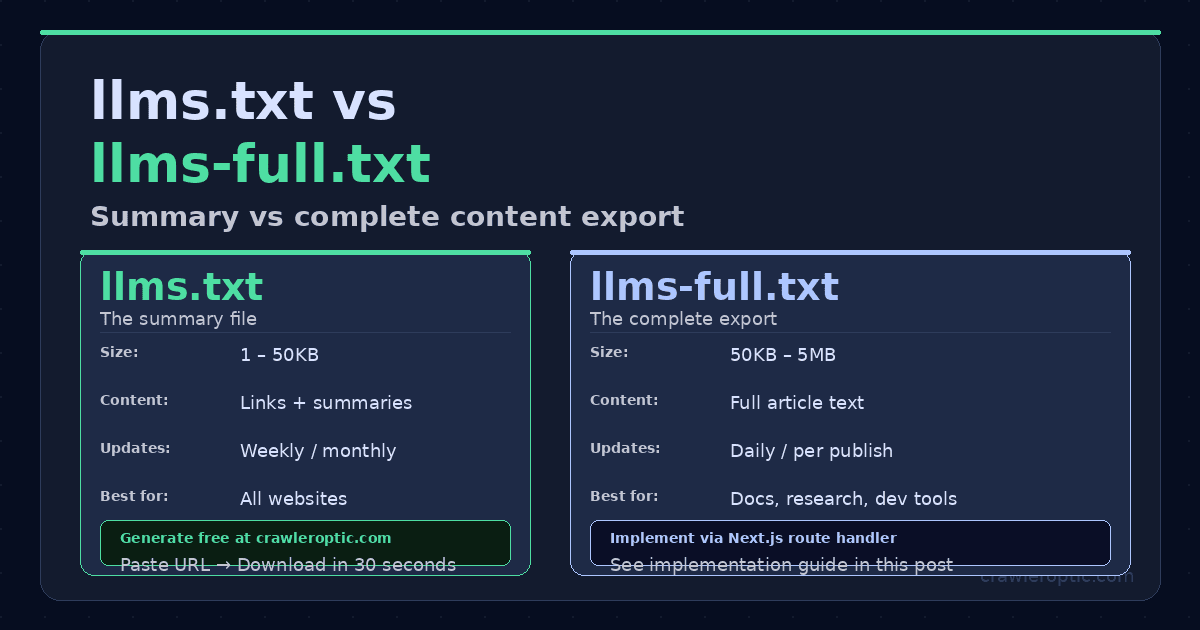
The standard llms.txt is an index — a table of contents. For documentation sites, blogs, and knowledge bases, you should also serve llms-full.txt: a complete text export of your most important content.
# yoursite.com — Full Content Export

## Article: How to Add llms.txt to WordPress
*Published: 2026-02-14*

Adding llms.txt to WordPress requires uploading a plain text file to your
root directory via FTP or cPanel. Unlike robots.txt, WordPress does not
generate llms.txt automatically...
Tools like GitHub Copilot, Cursor, and Perplexity have begun indexing llms-full.txt for richer content understanding. Documentation sites that implement this see significantly better representation in developer-facing AI queries.
Best Practice #6: Validate Against All Major AI Crawler User Agents
Your robots.txt may be inadvertently blocking AI crawlers. Before your llms.txt can do anything, crawlers need to be allowed to read it.
# robots.txt — Allow all major AI crawlers

User-agent: GPTBot
Allow: /

User-agent: ClaudeBot
Allow: /

User-agent: Google-Extended
Allow: /

User-agent: PerplexityBot
Allow: /

User-agent: anthropic-ai
Allow: /
Critical check: Run this to verify crawlers can access your file:
curl -A "GPTBot" https://yourdomain.com/llms.txt
If you get a 403 or 404, your robots.txt is blocking the crawler before it can even find your llms.txt.
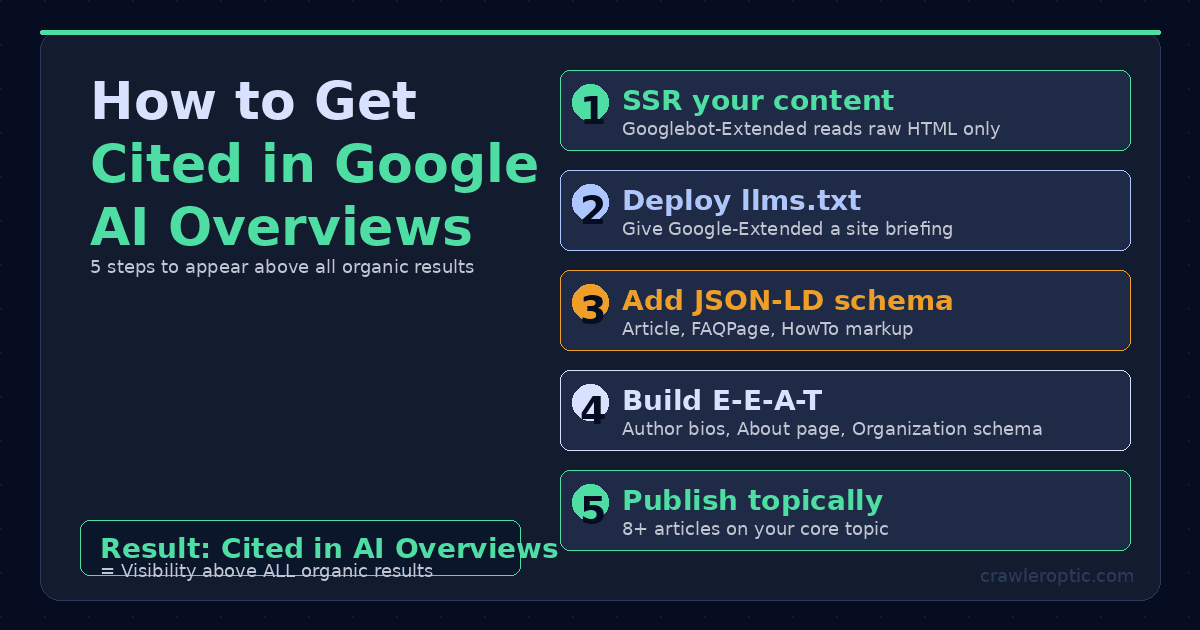
Best Practice #7: Add JSON-LD Schema That Mirrors Your llms.txt Content
llms.txt is read during crawl. JSON-LD schema is read during render. Together they create a consistent, high-confidence signal about your site's identity.
{
  "@context": "https://schema.org",
  "@type": "WebApplication",
  "name": "CrawlerOptic",
  "description": "Free llms.txt generator for AI crawler optimization",
  "url": "https://www.crawleroptic.com",
  "applicationCategory": "SEO Tool",
  "offers": {
    "@type": "Offer",
    "price": "0",
    "priceCurrency": "USD"
  }
}
The description in your JSON-LD should semantically align with the blockquote in your llms.txt. Mismatches between structured data sources reduce AI system confidence and suppress citation frequency.
Best Practice #8: Keep Your llms.txt Under 100KB and Update It Monthly
AI crawlers have soft limits on file size. Files over 100KB are often partially indexed or deprioritized. Most llms.txt files should be well under this limit (typically 2–8KB).
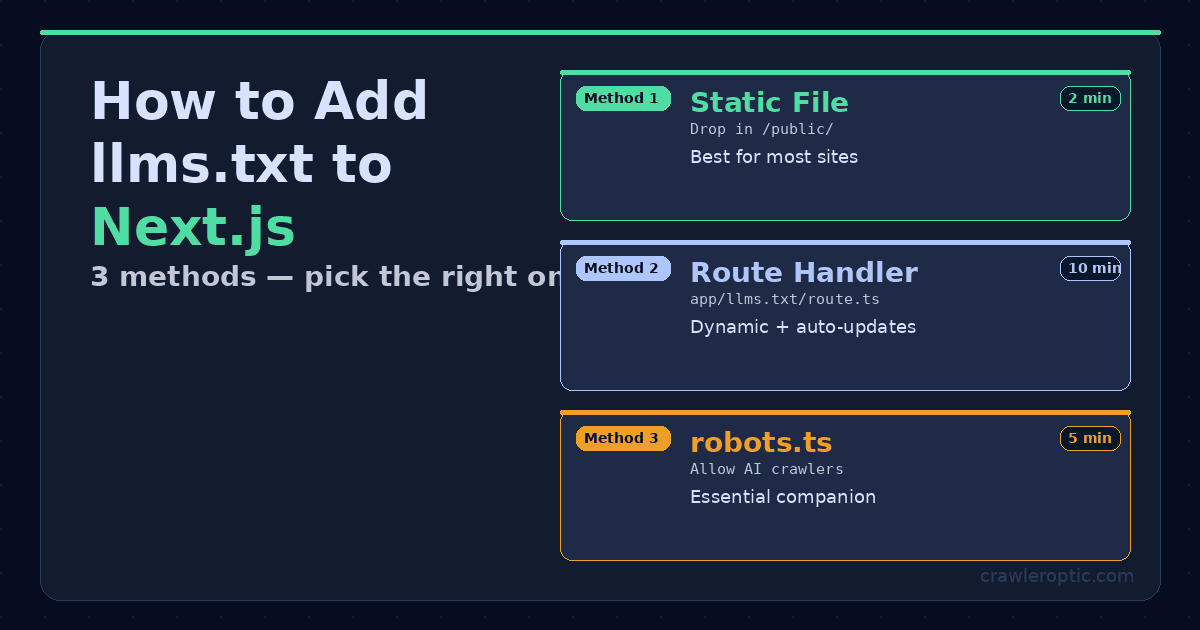
Automation approach for Next.js:
// app/llms.txt/route.ts
export async function GET() {
  const lastUpdated = new Date().toISOString().slice(0, 7);
  const content = `# YourSite\n\n> Your description here.\n\n## About\n- **Last Updated**: ${lastUpdated}\n- **Type**: WebApplication\n`;
  return new Response(content, {
    headers: { 'Content-Type': 'text/plain; charset=utf-8' }
  });
}
This ensures your llms.txt always reflects the current month without manual updates.
Best Practice #9: Add a Canonical URL to Prevent Duplicate Signals
If your site is accessible on both www and non-www, AI crawlers may index multiple versions of your llms.txt as separate entities.
## Canonical
- **Primary URL**: https://www.yourdomain.com
- **llms.txt Location**: https://www.yourdomain.com/llms.txt
Also ensure your server returns a 301 redirect from the non-canonical version. This is standard SEO hygiene but frequently missed for llms.txt specifically.
Best Practice #10: Verify With Real AI Queries After Deployment
The ultimate test: does AI actually know your site better after implementing llms.txt?
Test with these query patterns in ChatGPT, Perplexity, and Claude:
"What is [yourdomain.com]?""What does [your product name] do?""What's the best free tool for [your category]?"
Screenshot responses before implementation and 4–6 weeks after. Note changes in description accuracy, citation frequency, and pricing accuracy.
Generate Your llms.txt in 60 Seconds — Free
You don't need to write your llms.txt from scratch.
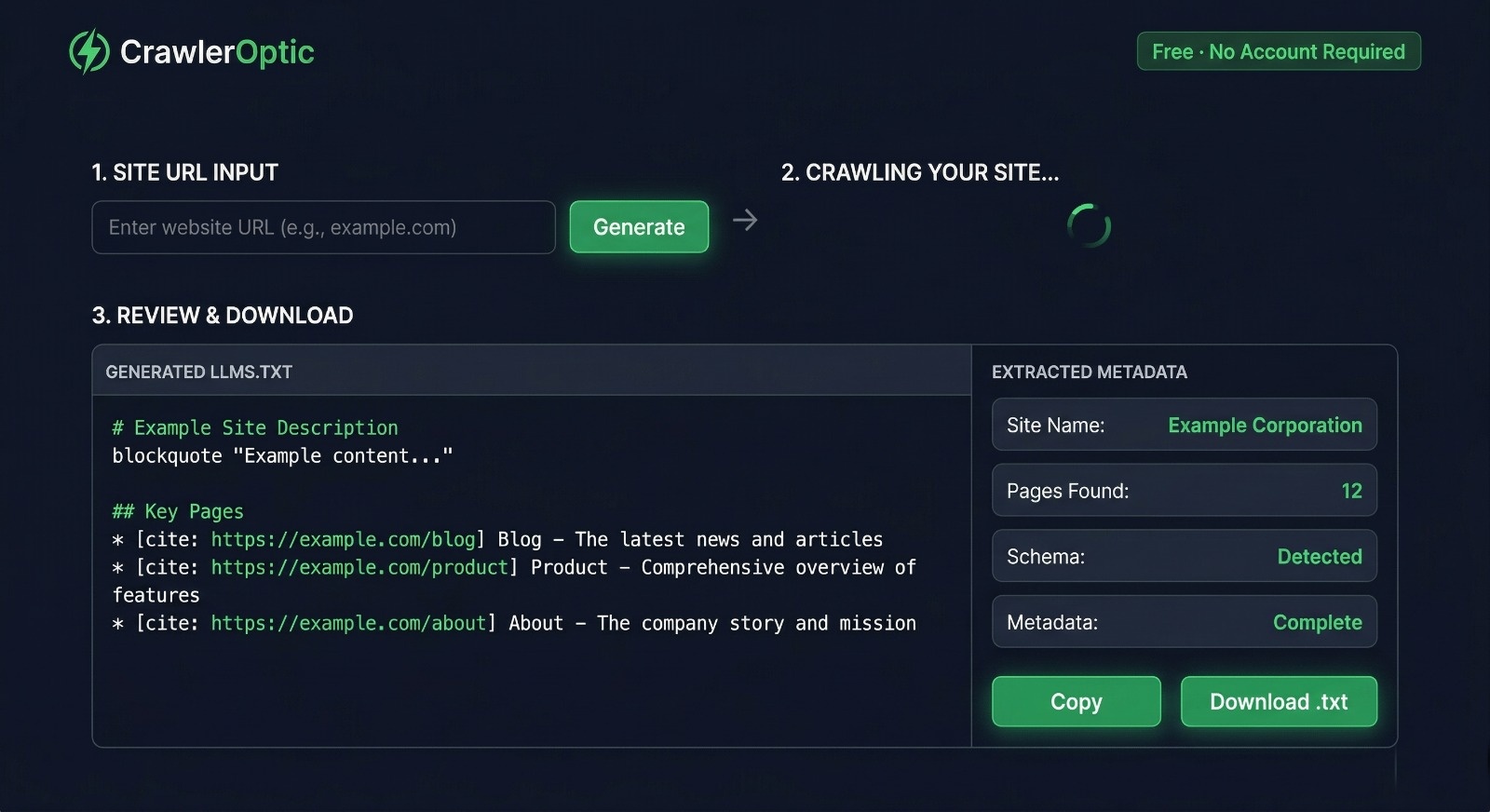
CrawlerOptic is the free generator built specifically for this. Paste your URL, and it automatically extracts your site name, description, key pages, Open Graph metadata, heading hierarchy, and schema data — then formats everything as a standards-compliant llms.txt file.
No account. No credit card. No limit.
The Bottom Line
llms.txt is not a future-facing experiment. GPTBot, ClaudeBot, and Google-Extended are crawling your site right now. The question is whether they're building an accurate picture of what you do — or guessing.
Implement the basics this week. Validate in four weeks. Iterate from there.